
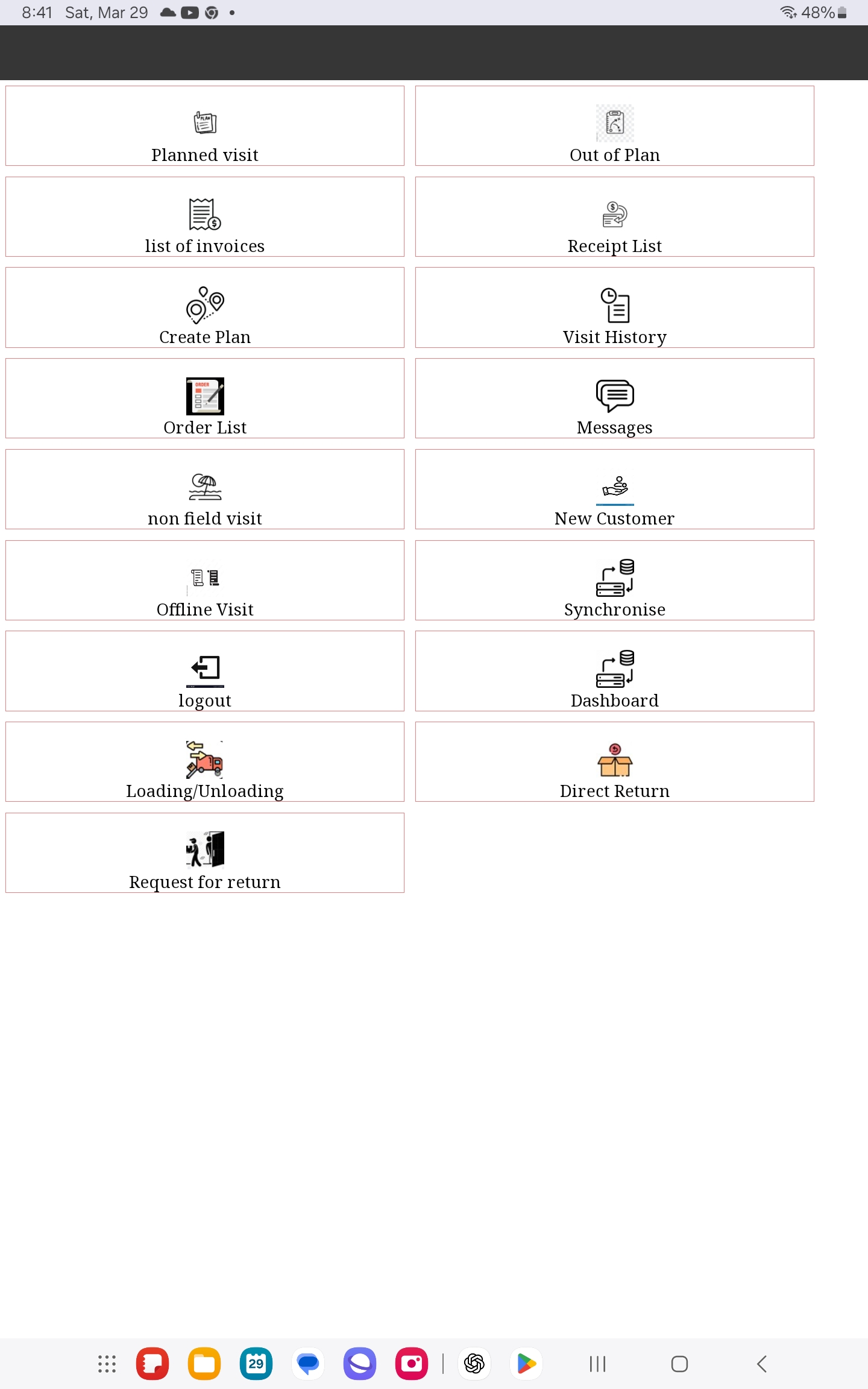
Field sales software succeeds when the process, data and people are prepared together. Use this checklist to turn a demonstration into a controlled implementation that can be evaluated before the full team depends on it.
1. Define the business scope
- List the field workflows: visits, orders, collections, returns and deliveries.
- Identify the customer types and sales-team roles in scope.
- Write the problems the pilot must solve.
- Choose measurable acceptance criteria such as order completeness, synchronization reliability and manager visibility.
2. Prepare master data
- Clean customer names, codes, addresses and assigned territories.
- Confirm product codes, units, price lists and discount rules.
- Decide which balances and inventory values field users may see.
- Remove duplicates before the first download.
3. Agree on integration ownership
- Name the source system for customers, products, prices and stock.
- Define how orders, collections and visit records return to the ERP.
- Document approval, credit and exception rules.
- Assign an owner for rejected or unmatched transactions.
4. Configure the mobile workflow
- Keep the visit steps consistent with the actual job.
- Require only fields that support a decision or control.
- Define offline data and synchronization status.
- Apply representative, territory and customer permissions.
5. Run a realistic pilot
- Select a small team that represents normal working conditions.
- Test connected and offline scenarios on actual devices.
- Include ordinary orders, discounts, returns and error cases.
- Reconcile every pilot transaction with the back office.
6. Train and support users
- Train supervisors before or with representatives.
- Use real customer scenarios rather than generic slides.
- Give users a clear support contact and escalation path.
- Record recurring questions and improve the configuration or guidance.
7. Review before expansion
Confirm that data is accurate, users can complete their day, exceptions have owners and managers can see the activity they need. Fix the workflow before adding more representatives. A phased rollout is easier to support and gives the company evidence for the next decision.
Implementation is complete only when mobile work and back-office processing operate as one reliable flow. The checklist should therefore end with operational acceptance, not merely installation.